BPRO ERP. Every part of the business, one system.
Orders, inventory, purchasing, finance and reporting for businesses that run more than one site, product line or team. Designed by a team with 15+ years of ERP and CRM experience, and used every day in our own business.
Enterprise pricing
What is BPRO ERP?
BPRO ERP is business management software that brings orders, inventory, purchasing, finance and reporting into one system. It was designed by a team with over 15 years of hands-on ERP and CRM experience, and BPRO uses it every day in its own multi-showroom retail and renovation business.
BPRO ERP is for owners and operations or finance leads at small to mid-size Australian businesses, especially businesses that sell products and run more than one site, product line or team.
BPRO ERP works on its own. You do not need any other BPRO product to use it, and the other BPRO products do not need the ERP.
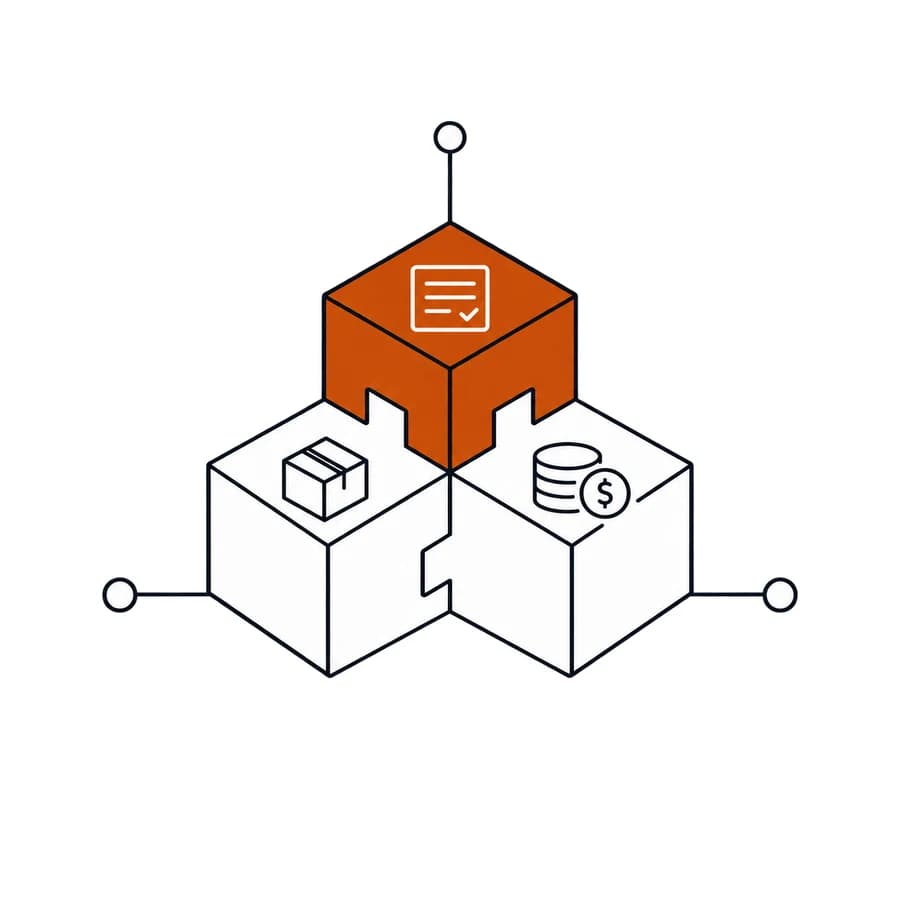
Everything the back office needs, nothing it doesn't.
Orders & quotes
Quote to invoice in one flow, with customer and product data already filled in.
Inventory
Stock by location, with reorder points and transfers between sites.
Purchasing
Purchase orders, supplier tracking and goods received against stock.
Finance & invoicing
Invoices, payments and accounting integration that keeps books and operations aligned.
Staff & commissions
Roles, permissions and commission reporting without spreadsheet rework.
Reporting
Live reports across every location and product line.
Connects to the tools you already use.
BPRO ERP stands on its own and is built to connect with your accounting, payments and e-commerce tools. [PLACEHOLDER: confirmed integrations list]
- Accounting
- Payments
- E-commerce
- Reporting
Questions
What does BPRO ERP do?
BPRO ERP covers orders and quotes, inventory, purchasing, finance and invoicing, staff and commissions, and reporting in one system, so teams work from the same customer and product data.
Who is BPRO ERP for?
Owners and operations or finance leads at small to mid-size Australian businesses, especially those that sell products and run more than one site, product line or team.
How does onboarding work?
Every engagement starts with a conversation about how you operate today. [PLACEHOLDER: onboarding steps, timeframe and who does the data migration]
Can BPRO ERP handle multiple locations?
Yes. Inventory is tracked by location with reorder points and transfers between sites, and reports run across every location and product line.
How do I get pricing?
Pricing is arranged through our sales team for now. Contact sales and we will set out the options for your business.